 SHARK.IO
How to play Shark.io on Poki
Open poki.com/en/g/sharkio in a desktop or mobile browser. The game is free, needs no download, and runs only while you are online.
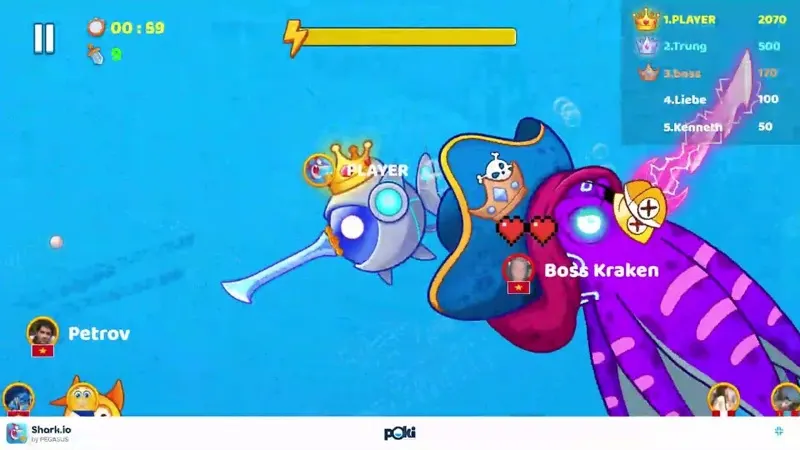

Getting to the game
Search Poki for sharkio or use the direct path /en/g/sharkio. The page lists Windows, Chrome OS, Linux, macOS, Android and iOS as supported systems, all through the browser. There is no install file on that page. Poki’s FAQ says the catalog cannot be played offline, and that an Android app exists for the site as a whole.
Account, cookies and saves
You can play with no account. In that mode Poki says progress lives in a browser cookie. A cookie blocker or a private window means the progress is not stored, and clearing cookies resets progress for every Poki game in that browser, not just Shark.io. If you create a Poki account, the FAQ says progress is stored online and can continue on another computer, phone or tablet. Sign-in options listed there are Apple, Google, Microsoft and a passkey. The account is optional.
The Shark.io control text only mentions keyboard and mouse. The page says phones and tablets are supported, but it does not document the on-screen buttons. I leave the gesture map blank.
Ads and embedding
Poki funds the free catalog with ads. The FAQ does not offer an ad-free Shark.io; Poki Kids is the separate kids catalog. Other websites cannot frame the official game: the page’s frame policy names Poki hosts and localhost only. Use the button on this site, which leaves to Poki, rather than an embed.
FAQ
Do I need a Poki account for Shark.io?
No. An account is only for carrying the save to another device.
Can I download Shark.io?
The official page does not offer a download. It is a browser game, and it does not run offline.
Related
Sources
- Poki — Shark.io — checked 2026-11-10
- Poki FAQ — accounts and saves — checked 2026-11-10